 Libre
LibreThe offline-first construction photo app
Capture jobsite photos in basements, rural sites, and dead zones — LibreCam saves every shot to your phone first and syncs automatically when the signal comes back. No pre-downloading projects, no lost photos.
What is an offline construction photo app?
An offline construction photo app captures, timestamps, and GPS-tags jobsite photos with no internet connection, stores them on the device, and uploads them automatically once you reconnect. LibreCam is offline-first: it writes every photo to local storage the moment you shoot, so a dead zone never costs you a record. It is free for unlimited users and part of the full construction photo app.
How does offline capture actually work?
There are two kinds of offline, and the difference matters on a real site. Legacy apps make you pre-download a project before you lose signal and sync manually later — miss that step and the day's photos are stuck on the phone or lost. True offline-first, the way LibreCam works, saves full-resolution photos, GPS coordinates, and timestamps straight to the device's storage using its own sensors, with no connection required. When signal returns, a background sync queues and uploads everything on its own, in order, with metadata intact — nobody has to remember to press a button. See the technical detail on offline reliability.
Captured offline, synced on reconnect
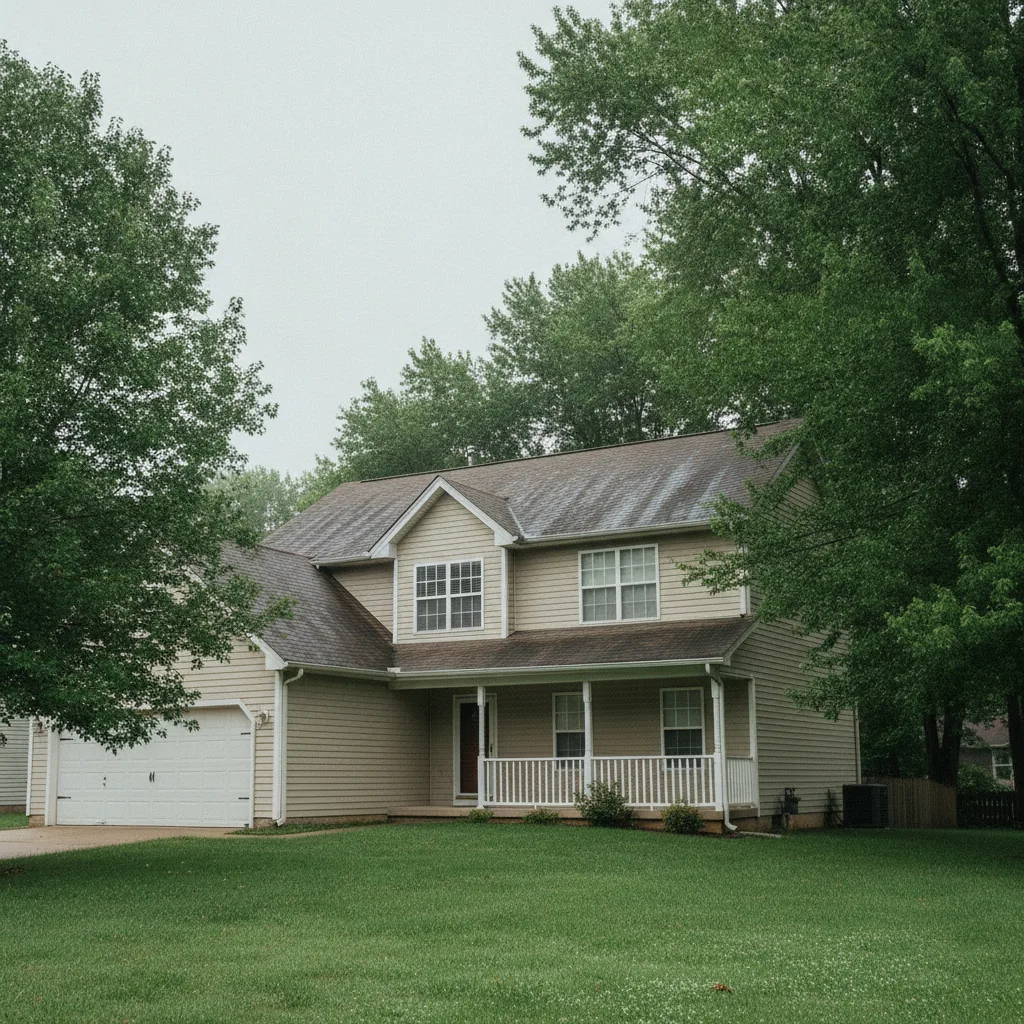
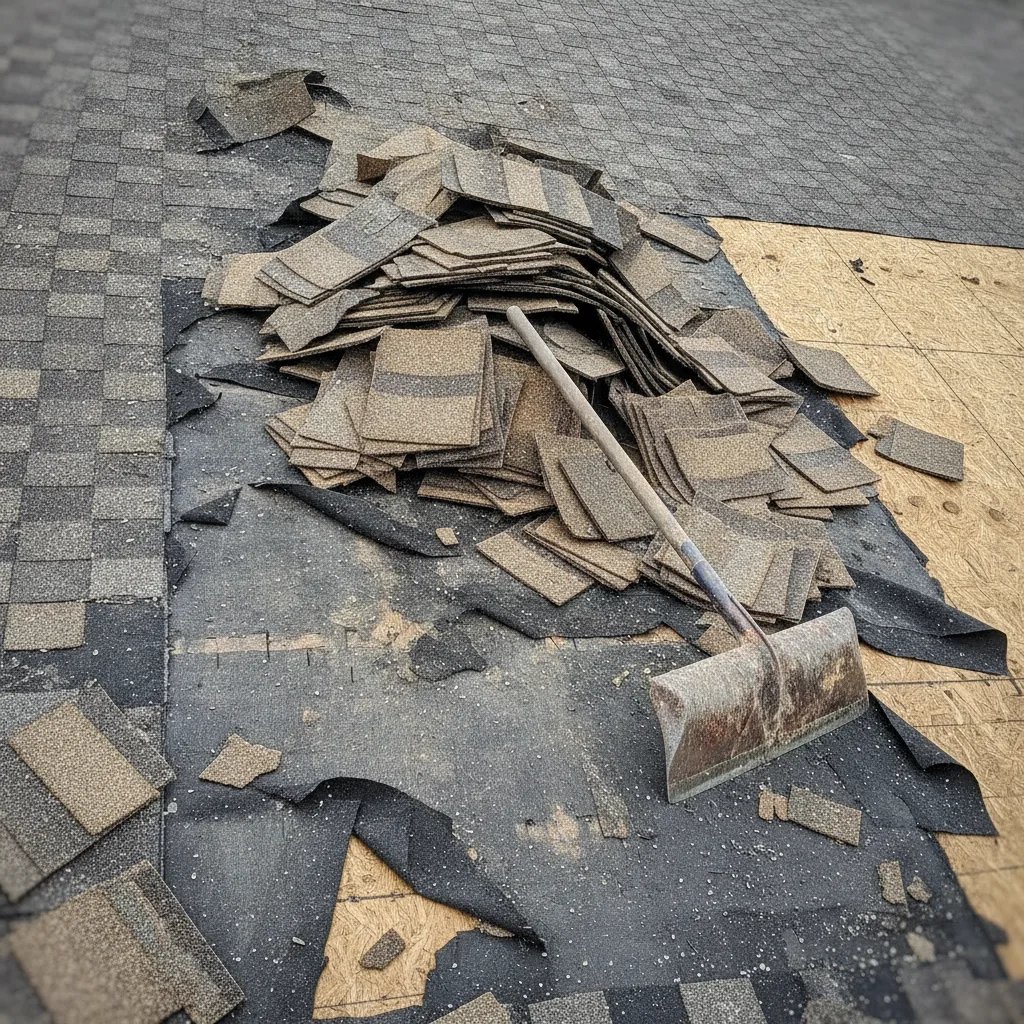
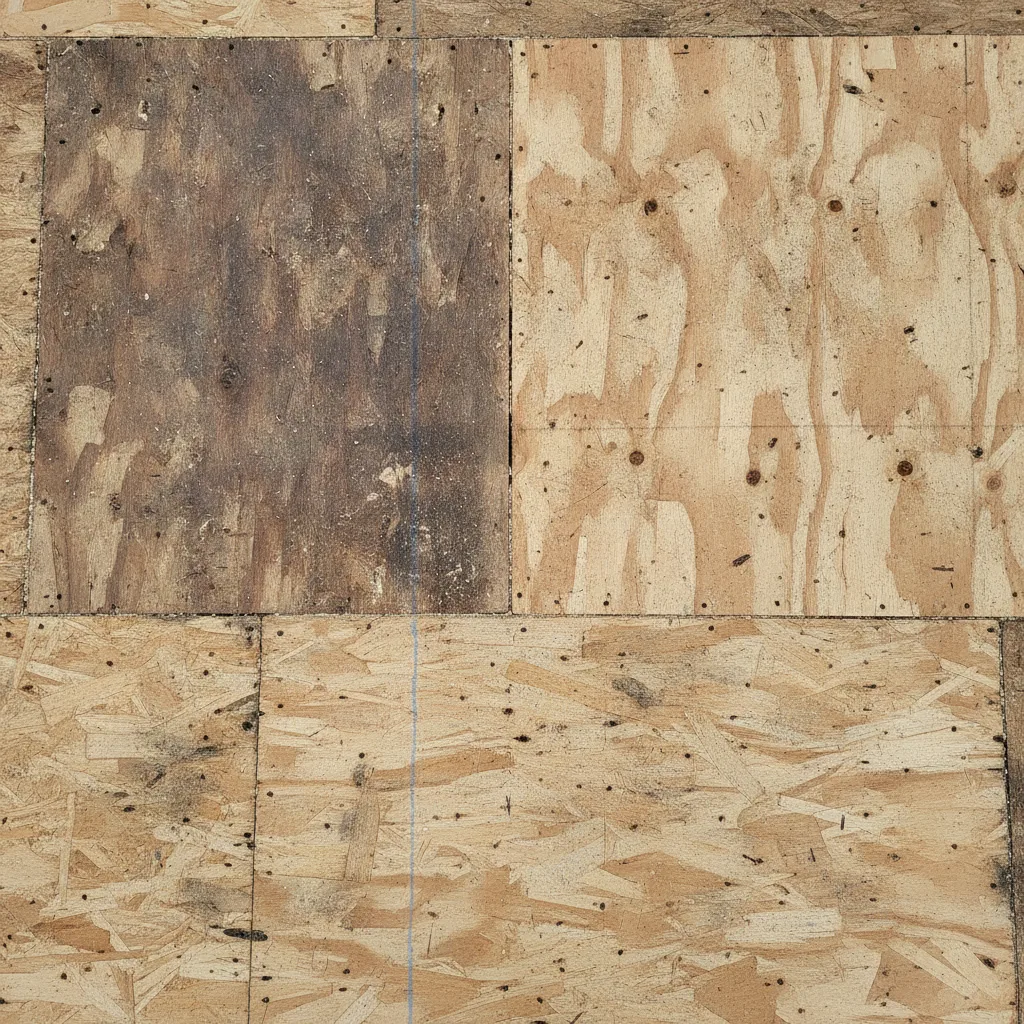
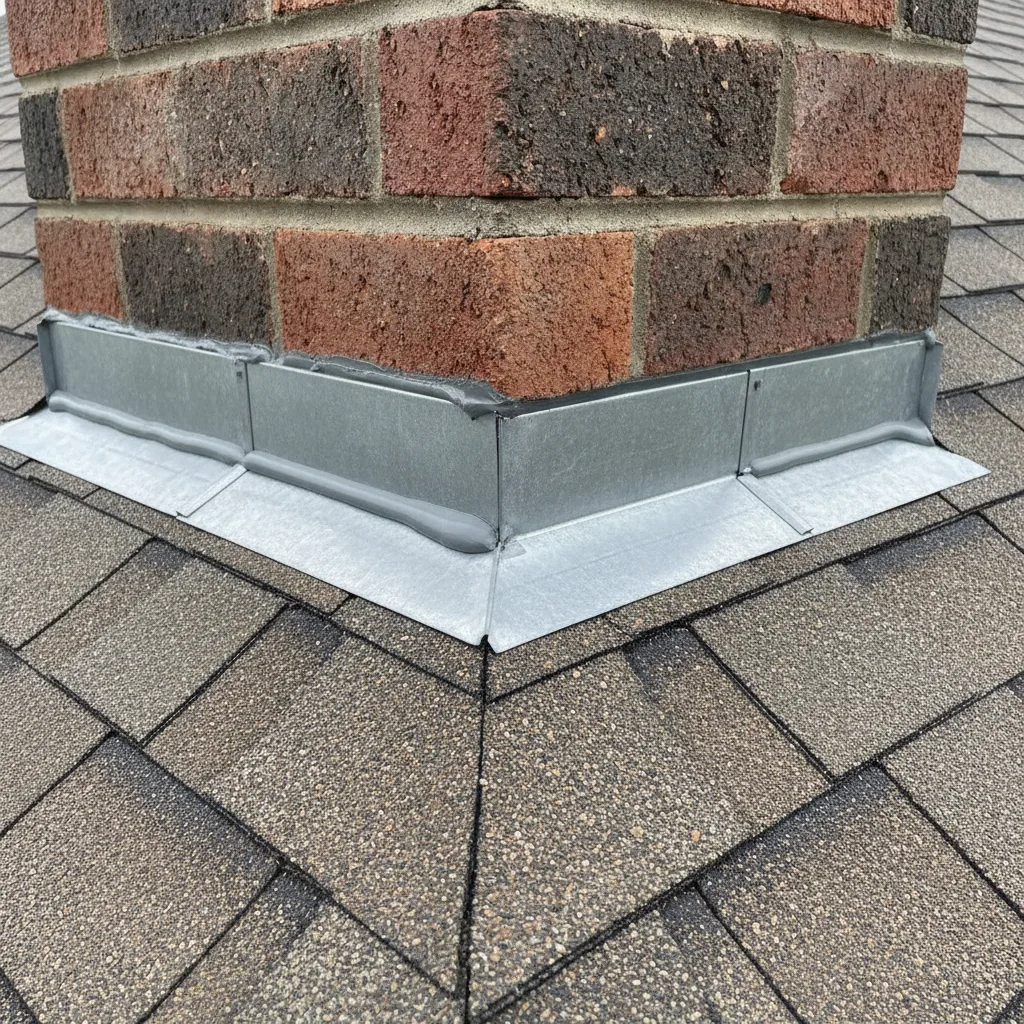
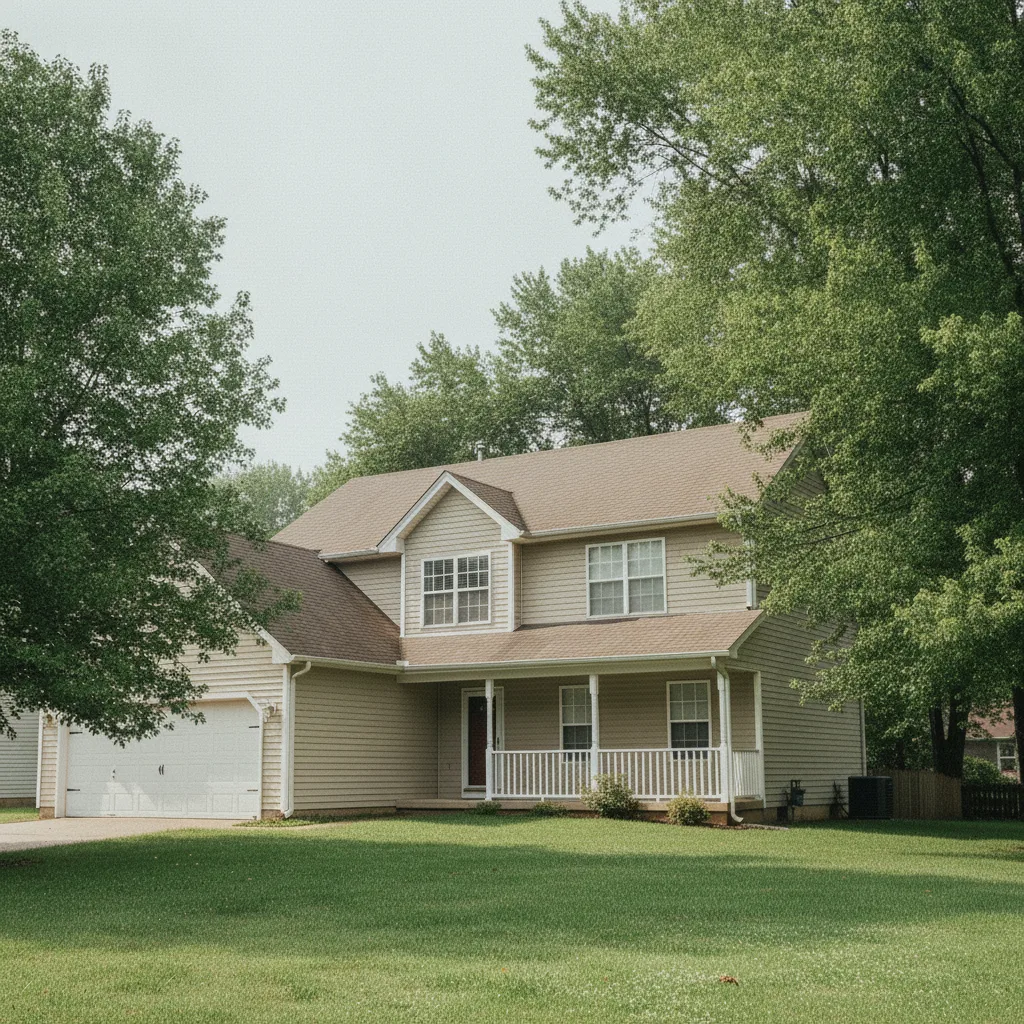
Every photo on this roofing job was shot with no signal — GPS-tagged and timestamped on the device, then uploaded automatically once the crew had bars again.
What makes an app truly offline-first?
Capture with zero bars
Basements, elevator shafts, rural new-builds, concrete interiors — LibreCam saves photos to the phone the instant you shoot, no connection needed.
No pre-downloading projects
You never have to remember to cache a job before you lose signal. Walk onto any site and start shooting — the local-first app is always ready.
Airplane mode saves the crew's battery
On a weak-signal site a phone burns power hunting for a tower. Shoot in airplane mode and LibreCam still captures, GPS-tags, and queues — the battery lasts the shift.
Background sync, no button
When signal returns, queued photos upload on their own, in order, with metadata intact. No blank placeholders, no lost rebar shot.
Do you have to download the project first?
No. With LibreCam you walk onto any jobsite and start shooting — there is no step where you cache the project ahead of time. That is the real difference between offline-first and a bolted-on offline mode: apps that require a pre-download leave you exposed the moment you forget, while a local-first app is always ready. It is one reason crews move off CompanyCam's offline mode.
Does offline mode save battery on a jobsite?
Yes. A phone on a weak-signal site constantly searches for a tower, which drains the battery fast. Put the phone in airplane mode and LibreCam keeps capturing photos, GPS coordinates, and timestamps from the device's own hardware, then syncs when you turn the signal back on. Crews documenting a full day of roofing or new construction get more shots per charge.
Offline capture: LibreCam vs. CompanyCam
| LibreCam | CompanyCam | |
|---|---|---|
| Capture with no signal | Yes (offline-first) | ~ Partial |
| Pre-download project first | Not needed | Often required |
| Works in airplane mode | ✓ Yes | Limited |
| Background auto-sync | ✓ Yes | Queue can stall in dead zones |
| GPS + timestamp without service | ✓ Yes | ✓ Yes |
| Price | Free, unlimited users | $63/mo & up, per seat |
Frequently Asked Questions
Yes. LibreCam is offline-first — it saves every photo to your phone the moment you shoot, with GPS and timestamp, and uploads automatically when you reconnect. Nothing is lost in a dead zone.
No. Unlike apps with a bolted-on offline mode, LibreCam needs no pre-download. Walk onto any site and start capturing — it is local-first by default.
Yes, and airplane mode helps. The phone stops draining its battery hunting for signal, while LibreCam keeps capturing and GPS-tagging from the device hardware.
They stay safe in the local queue and finish uploading when the connection returns — in order, with their metadata intact. No blank placeholder files.
GPS comes from the phone's own location hardware, not the cell network, so coordinates and timestamps are captured even with no bars.
Yes. Offline capture, GPS tagging, organizing, and sync are free for unlimited users. See the full CompanyCam alternative.